Ubuntu 24.04 应用、字体及截图模糊解决方案
背景
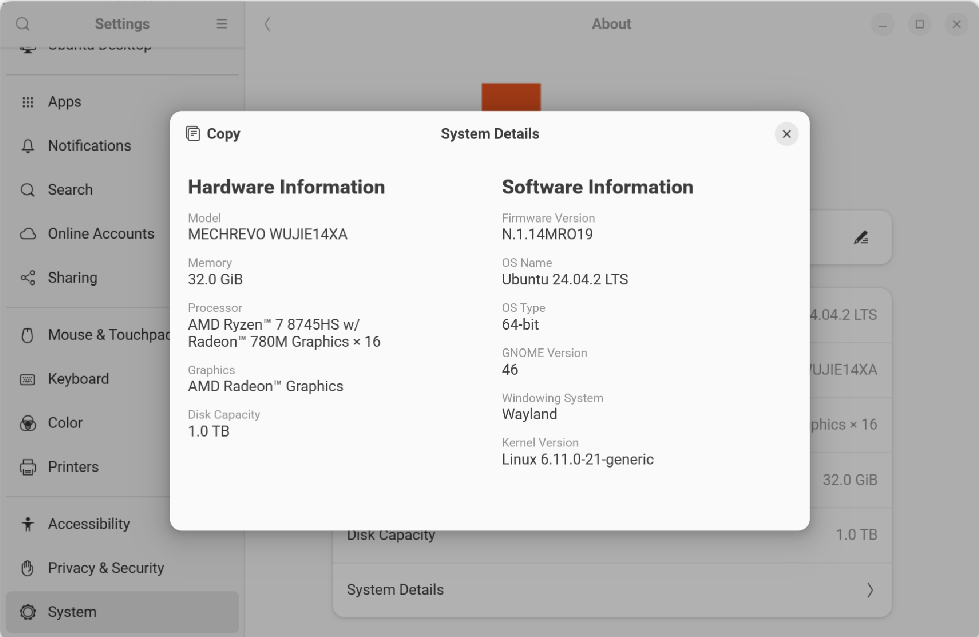
Ubuntu 24.04 默认使用Wayland 作为窗口管理器,当 GNOME 桌面设置分数倍缩放后,截图和一些应用会变得模糊,如vscode、Pycharm、typra ,截图更是难崩
解决方案
方法有两个:
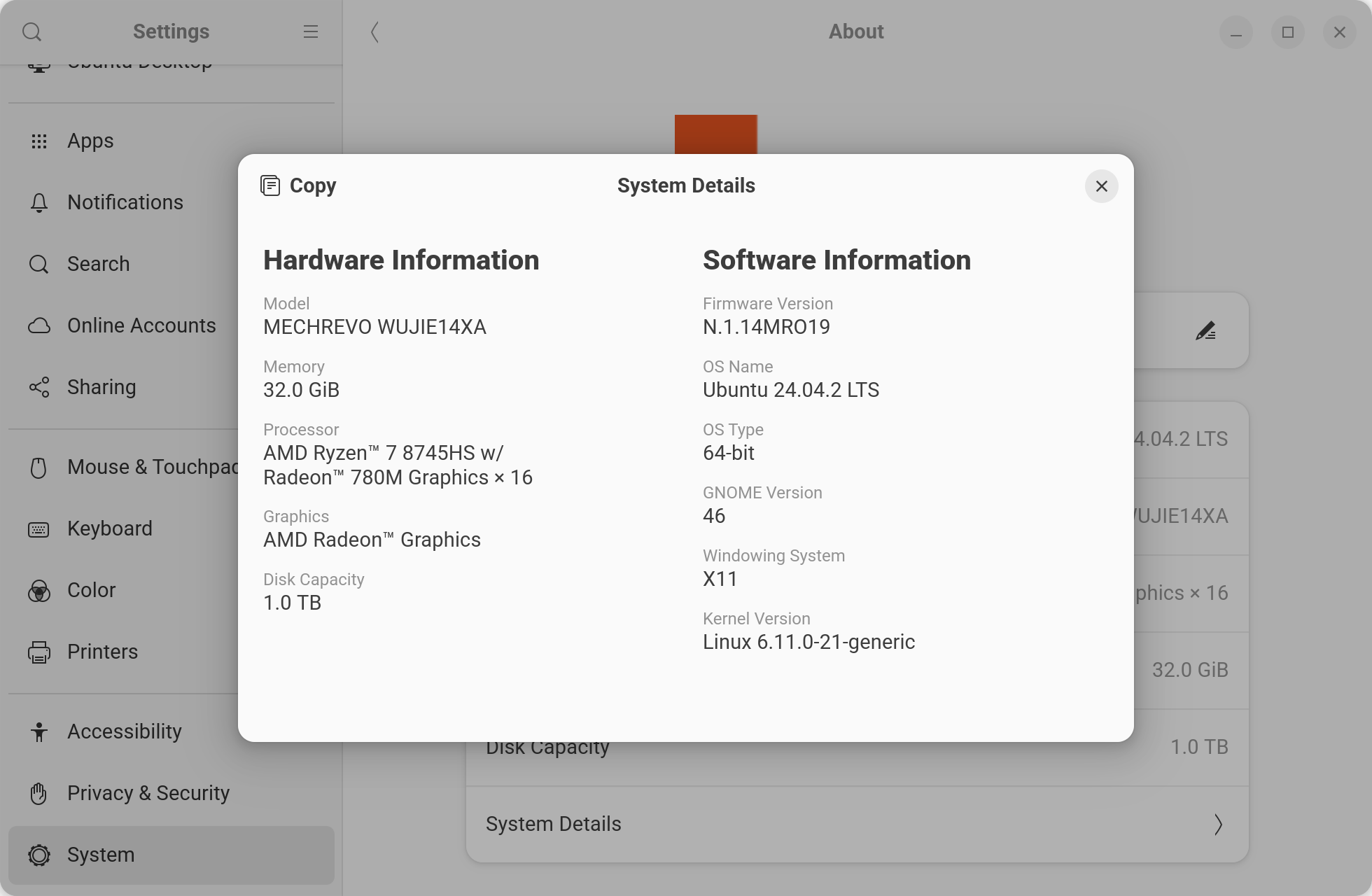
1. 使用X11 替换Wayland
修改/etc/gdm3/custom.conf 将 WaylandEnable=false 前面的注释去掉,然后sudo systemctl restart gdm3 重启服务
#
# See /usr/share/gdm/gdm.schemas for a list of available options.

[daemon]
# Uncomment the line below to force the login screen to use Xorg
WaylandEnable=false

# Enabling automatic login
#  AutomaticLoginEnable = true
#  AutomaticLogin = user1

# Enabling timed login
#  TimedLoginEnable = true
#  TimedLogin = user1
#  TimedLoginDelay = 10
<...>
效果
2. 使用如下命令(没试过,不知道是否有效)
可以开启 Wayland 会话、X11 会话的分数倍缩放,并且在 Wayland 下使用分数倍缩放的时候,应用程序不模糊
gsettings set org.gnome.mutter experimental-features "['scale-monitor-framebuffer', 'x11-randr-fractional-scaling', 'xwayland-native-scaling']"